How QuoteForce works
From quote to paid.
The whole job, start to finish, in one app on your phone. Here's what happens at each step, and what it does for you along the way.
Step 1
Quote in minutes
Pick from your own line items and the price adds itself up. Do it on site with the customer, or at home that night.
Roof restoration, Casey Marlow
- Tile roof restoration$5,450
- Gutter guard, 34 m$986
+ Add from your line items
Before GST$6,436GST$643.60Total$7,079.60Step 2
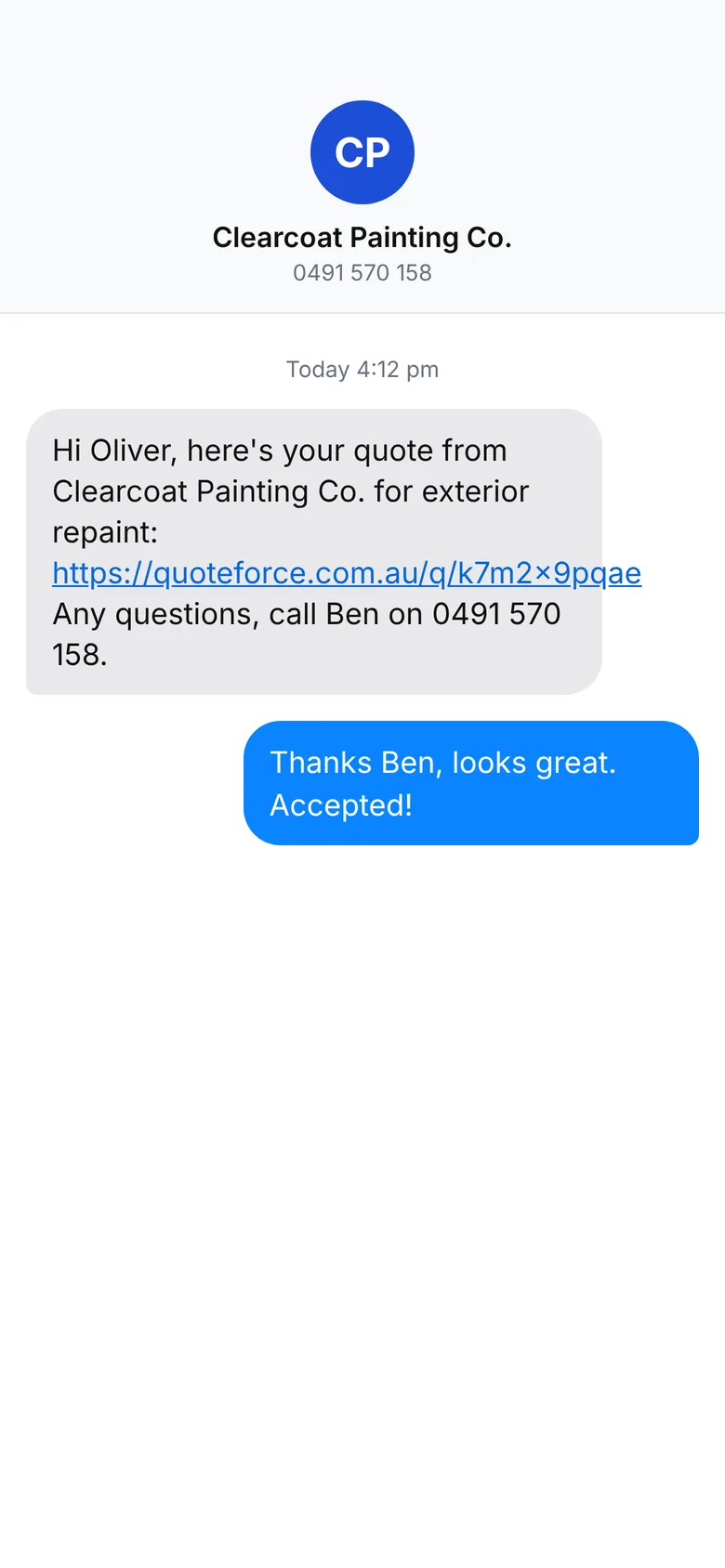
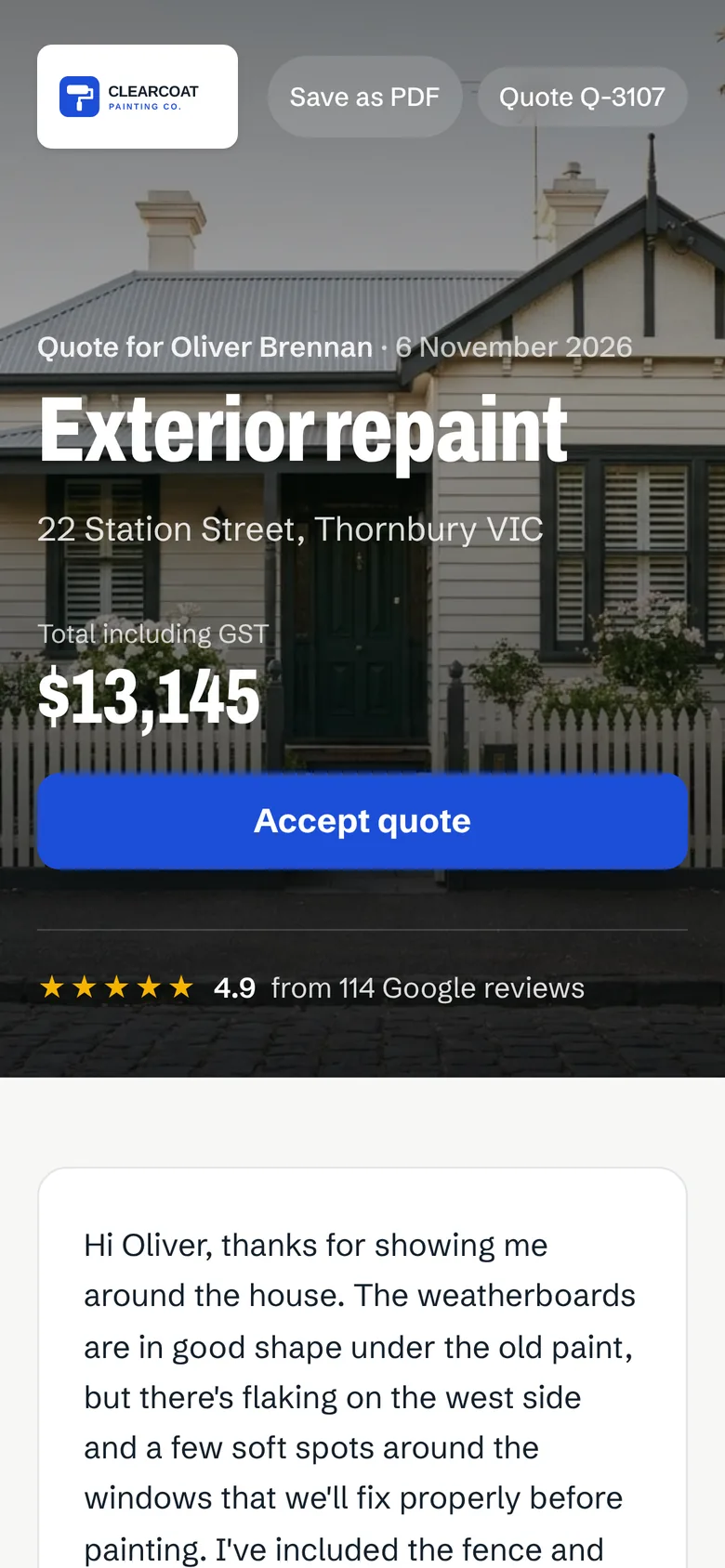
Sent by text and email at once
So they don't miss it. Their quote page shows your work, your reviews, your guarantee and how you work, all in your own look.
Step 3
Know the moment it's seen
You get a heads up as soon as they open it, and you can see how many times they've looked.
Seen by Casey Marlow
Roof restoration quote Q-1042, opened Tuesday evening.
Seen 3 timesLast looked an hour agoStep 4
Follow-up if they go quiet
A friendly nudge goes out from your business if you haven't heard back. It stops by itself the moment they say yes.
Automatic follow-up to Casey, Friday
Hi Casey, just checking you got the roof restoration quote from Ironbark Roofing. Happy to answer any questions.
Accepted. Follow-ups stopped.Casey, Saturday
Looks great, accepting now.
Step 5
They accept in two taps
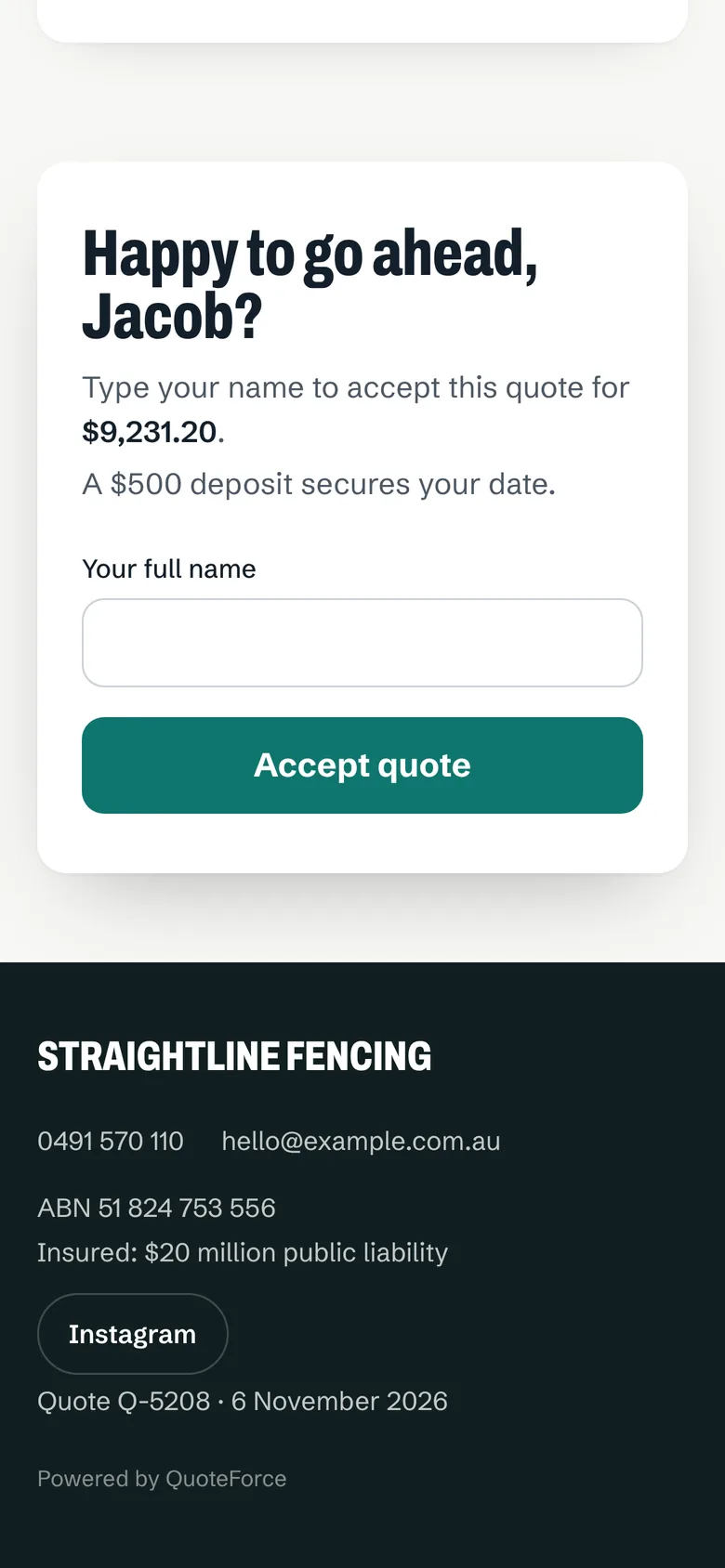
They tick any extras they want and accept on their phone. The deposit invoice sends itself, and it's made in Xero if you use it.
 Into Xero or QuickBooks
Deposit invoice sent
$500 to Casey Marlow
Step 6
Book it in
Pick the days and it goes in your calendar and your phone's calendar. It checks for clashes first, so no double bookings, and the customer gets a message to say they're booked in.
November
Mon 16Tue 17Wed 18Thu 19Fri 20Casey MarlowOther jobNo clashesIn your phone's calendarTo Casey
You're booked in from Monday 16 November to Wednesday 18 November, subject to weather changes. I'll keep you updated as we get closer. Thank you.
Step 7
During the job
Rain delay or a new date? Update one customer or all of them at once. Send a progress photos link, tick off the job checklist, and your team sees their own jobs.
To all booked customers
Rain is forecast for Monday, so we'll start on Tuesday instead. Thanks for your patience.
Progress photos
Link sent to Casey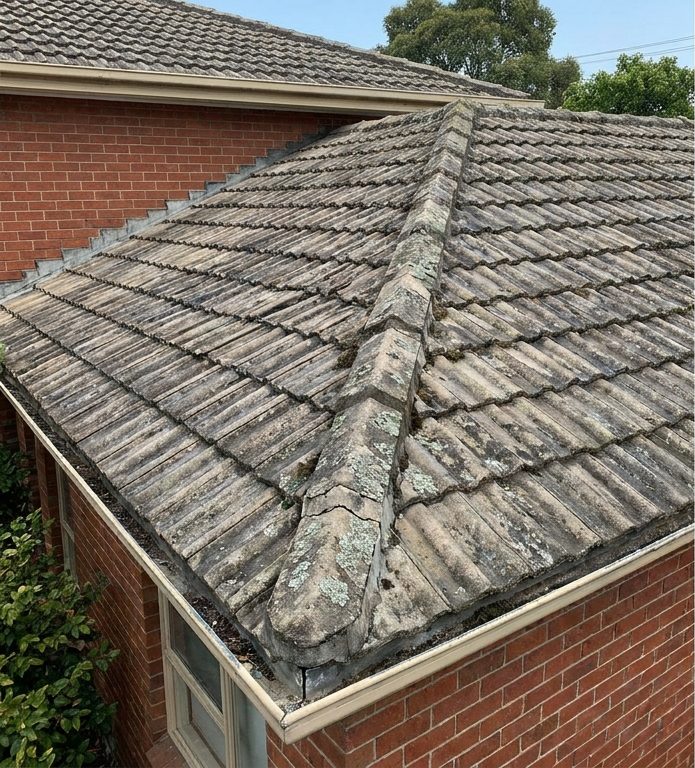
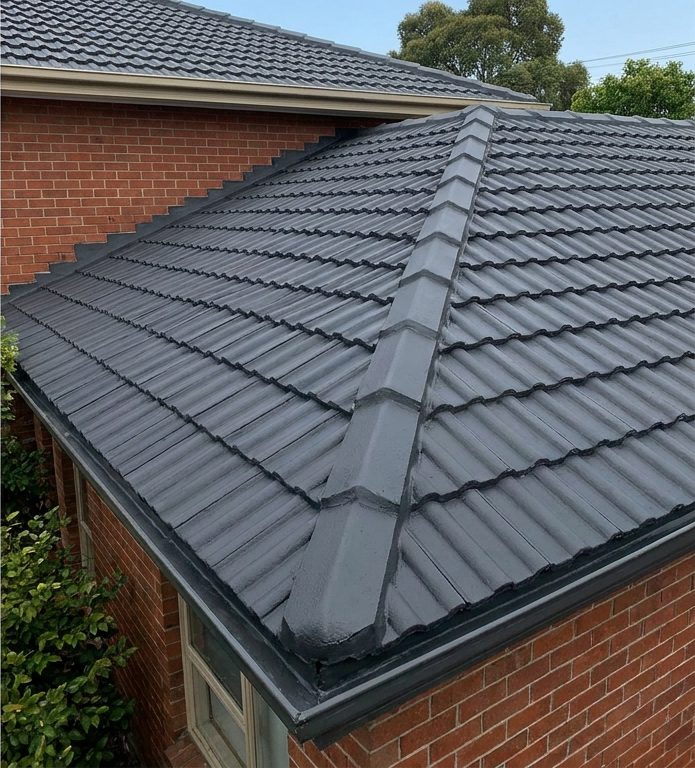
- Ridge capping repointed
- Sealer coat
- Final walk-through
Step 8
Costs logged to the job
Snap receipts and they're read for you. Add your workers' hours and see the profit as you go.
Roof restoration, costs so far
- Receipt, read for youRoof membrane and sealer$1,640
- Workers' hours2 workers, 30 hours$1,350
Profit so far$3,446Step 9
Invoice in one tap
It goes by text and email, less the deposit. Friendly reminders go out before and after it's due.
Final invoice, Casey Marlow
Work, before GST$6,436GST$643.60Less deposit paid−$500To pay$6,579.60Sent by text and emailReminder 3 days beforeReminder a week lateStep 10
Paid
Record part payments and see who owes what at a glance, plus the GST and tax to put aside from each payment.
Casey Marlow, payments
Deposit$500Part payment$3,000Still owing$3,579.60Put aside from this job
GST for the BAS$480Tax (25%)$862A planning guide, not tax advice.
Step 11
Review request
After the job, your customer gets a thank you with your Google review link. More reviews without the awkward ask.
To Casey, two days after the job
Thanks again for choosing Ironbark Roofing. If you're happy with the job, a quick Google review would mean a lot.
★★★★★ 4.9 from 87 reviewsLeave a reviewStep 12
Repeat work reminders
When a regular's job comes due again, you get a reminder to re-quote them in a tap.
Re-quoteGutter clean, Priya Sandhu
Due this month. Done last year.
Re-quoteRoof inspection, Morgan Tate
Due in 3 weeks. Done last year.
Every job, quote to paid, in one place.
$49 a month + GST, everything included. Cancel any time.
See your own quote, live